Password Manager
| Author | Size | Library version | Source files |
|---|---|---|---|
| MorganKryze | medium | latest | link |
Introduction
The PasswordManager example is a simple console application that allows the user to manage a list of passwords (non-secure). The user can add, remove, and update passwords. The application uses the Prompt element to hide the password characters when the user enters them.
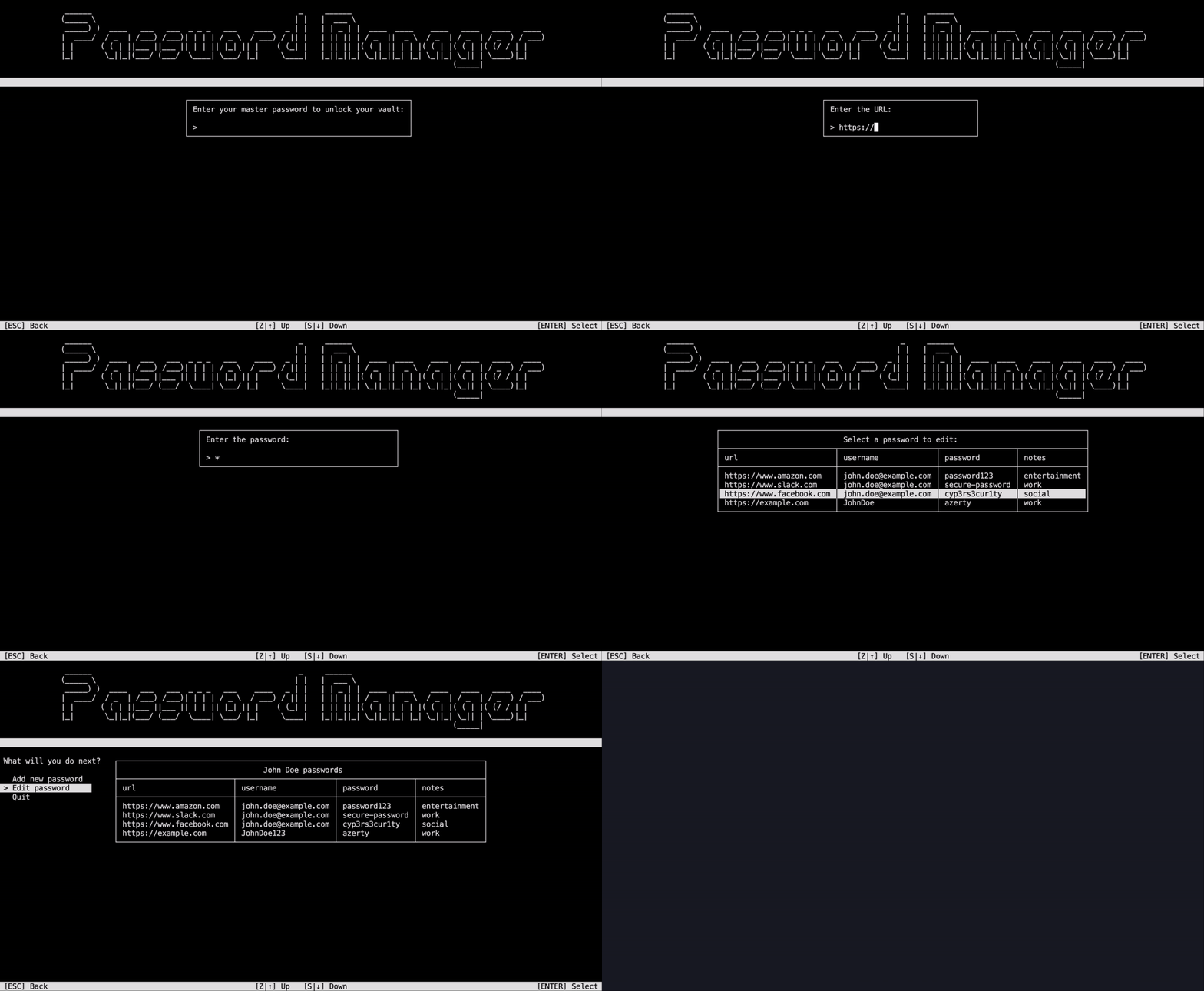
Features covered
The project covers the following features:
- General: use of
Promptproperties (secrecy), update of password list, menus management - PassiveElements:
Title,Header&Footer,TableView - InteractiveElements:
ScrollingMenu,Dialog,Prompt,TableSelector - AnimatedElements:
FakeLoadingBar
Build & Run
Install
To clone the project, run the following command:
git clone https://github.com/MorganKryze/ConsoleAppVisuals.git
Or alternatively, download the project as a zip file from the repository.
Setup
Versions
The project is built with the latest version of the library.
The project is built with the net9.0 and net8.0 target framework. Some changes should be applied to the project to make it compatible with the net6.0 or net7.0 target frameworks.
Check your local .NET SDK version by running the following command:
dotnet --version
Build
To build the project, open a terminal in the project directory (./ConsoleAppVisuals).
Then move to the working directory:
cd examples/PasswordManager
Finally, run the following command:
dotnet build
Run
If the build is successful, run the following command:
dotnet run
The application should start and display the same result as in the demonstration video.
Have a question, give a feedback or found a bug? Feel free to open an issue or start a discussion on the GitHub repository.